Showing posts with label Abstract. Show all posts

Monday, 25 January 2021

Ice Patterns on the Car

Ice Patterns on the Car

 Coming back from our daily walk I saw some beautiful ice patterns on Sue's car. 


The scene of the crime :)


Saturday, 1 February 2020

In Camera Pep Ventosa


People who look at my blog or my instagram feed will be aware that I am currently hooked on In-camera Multiple Exposures. In the past I have created 'so-called' Pep Ventosa Images by combining multiple images in Photoshop. While we were at Anglesea Abbey today I tried something I have been thinking about, and that is using the 'In Camera' Multiple Exposure Function of my Canon EOS R. To create a Pep Ventosa Image. Pep Ventosa images involve you taking a photo then moving slightly and then taking another photo and then repeating, either by walking round the object or in a straight line.

Generally the final image is made up of over 25 images. Combination of the files in Photoshop and working on each layer with obacity and blending mode.

The Canon EOS R has four blending modes and I took 5 pictures of the front of Anglesea Abbey using three of the modes. (Average, Dark and Bright)

The Four Camera Modes are:-

1. Additive which I seldom use. You have to work out in advance the exposure compensation you need. This pre-supposes you know where the photograph is going :)

2. Average, where the camera works out the exposure according to the number of shots you are combining.  In fact most Canon DSLR's have these blending modes built in.

3. Dark and
4. Bright

With these two modes the Dark (or Bright) of the start image and the subsequent images that are added are compared at the same point on the sensor and the the Dark Bit (Bright Bit) will be left in the picture. In addition to this the colours that are overlapping may be mixed depending upon the darkness ration (brightness ratio) of the added images.

'Clear as Mud' :)

Ignoring the picture above this is only there for Facebook to look okay.

The 1st Image below is AverageMode, The 2nd Dark Mode and the 3rd Bright mode. These combination images where imported into Adobe Lightroom and 'Basic Adjustments made.

I have the camera set to save all images, not just the resulting Multiple Exposure and using these images I created a normal Pep Ventosa Image in Photoshop, adjusting each layer and opacity. 4th Image below

For this exercises all image layers where left at Normal Blend Mode. If you are interested the final image (Image 8) on this blog is a clip of the photoshop Layers panel.

Images 5, 6 and 7 are the same images in monochrome.

A final word about the camera I used.

The Canon EOS R is a full frame Mirrorless Camera. The advantage of using any mirrorless camera with this technique is that you can 'see' how your photos align up in the viewfinder.

With my DSLR, the Canon 5Dmkiv, I have to use Live view on the rear screen. Although this is possible I do find looking through the viewfinder a big advantage creatively and particularly in sunlight where the rear screen on a DSLR cannot always bee seen.


Image 1 - Additive Blend Mode in Camera

Image 2 - Dark Blend Mode in Camera

Image3 - Bright Blend Mode in Camera

Image 4 Created in Photoshop

Image 5 - Additive Blend Mode in Camera - Mono Version

Image 6 - Dark Blend Mode in Camera  - Mono Version

Image 7 - Bright Blend Mode in Camera - Mono Version


Monday, 6 January 2020

Christmas Tree Multiple Exposures

Before we took the decorations down I decided to have a play with multiple exposures on the Christmas tree. As many of you know I am an early to bed person but this time Sue went up before me. I thought just a few minutes playing before I go up .... 2 hours tater I did go !! :)

All were taken using the Canon 24mm Tilt and Shift Lens on my tripod with the Benro Geared Head.

I started playing to see how I could use the precise movements of the T+S Lens and the greed head whilst creating in-camera multiple exposures. (Canon EOS R).

The general method was to take a photo and then 'move' one of the adjustments a small amount and then take another image. I had the camera set to 9 exposures. A useful feature of the Canon Cameras is that you can terminate the sequence at any time (and also undo the last shot). This means you can carry on working the multiple exposure until you are happy with the result. I also played with the in-camera blending modes (Average, Bright and Dark) plus the white balance.

I also used long exposures on some images while moving one of the adjustments.

Having not used the 24mm lens as a 'close up lens' before I was very pleased with the close focus ability of the lens. Before I started I did think I would have to use a short extension tube or close up filter, but I did not need to in this instance.

Post processing was done in Lightroom Classic.

I am on the mailing list for Doug Chinery and Velda Bailey (https://www.baileychinnery.com). They have been exploring the world of photo impressionism for a few years and I am hoping to get on one of their workshops sometime. As a Christmas Present to their subscribers they sent out a few lightroom presets. I find other peoples presets interesting and by looking at what they have done I can develop my own presets / methods. What I did find interesting is their use of the HSL panel in particular the Hue sliders.

Here are 12 photos that I am pleased with. I must have taken about 50 so the success rate is lowish but not unexpected. If you watch the Bailey-Chinery training videos you will see this is the norm.


Tuesday, 1 October 2019

Center Parcs - Trees Intentional Camera Movement

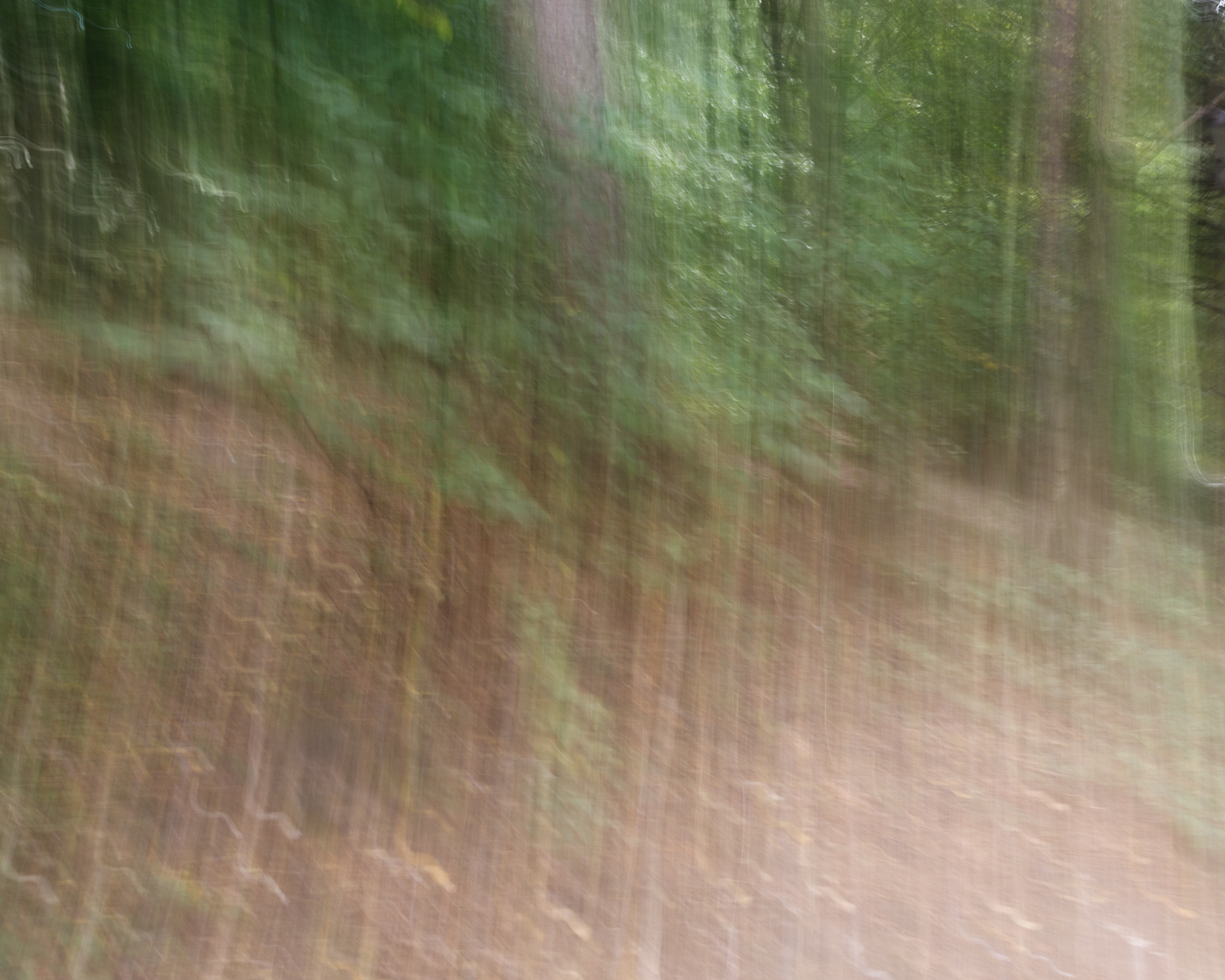
Following on from yesterdays Blog, more Intentional Camera Movement (ICM). this time with Trees.

With the chairs yesterday I was attracted to the way the light caught the steel of the chairs. With these photos, I felt they gave a more 'painterly' effect.


Monday, 30 September 2019

Centre Parcs - Chairs Intentional Camera Movement

I have been watching some Training Videos by Doug Chinery and Velda Bailey relating to in camera multiple exposure and intentional camera movement (ICM).

I have enjoyed creating images with ICM for quite a few years. Typically things like trees with a vertical movement and beach scenes with a horizontal movement. I have also twisted the camera.

In the video Doug suggested less extreme movement and a shorter shutter speed. So after Sue and I got back from a walk in the forest I took my camera onto the patio and 'just played'

I took about 200 photos just messing around. Many where similar, but I found that there is a skill to be leaned. Little flicks, Different Shutter Speeds, Moving in and out and not just horizontal and vertical.

Subject matter - in these shots the bright steel chair legs and patterns attracted me. After these I went into the trees and did some more - maybe another blog coming on this.

Also at the post production stage, just cropping a portion of the frame created, to me, some pleasing images.


Magnolia Shot with the Lensbaby Velvet 85mm

 All these shots were taken with the Lensbaby Velvet 85mm. All were taken at the wider aperture (all wider than f/5.6 but mainly at f/2.8 an...